Sign in to PopAutomate with your Salla or Zid account
On the sign-in page, click Sign in with Salla or Sign in with Zid. You do not need a password.
Steps
Path: popautomate.com/login > Sign in with Salla or Sign in with Zid
- Open the sign-in page, popautomate.com/login. It shows Hey there and Sign in to your account.
- Click Sign in with Salla if your store is on Salla, or Sign in with Zid if it is on Zid.
- Approve the connection if Salla or Zid asks you to. You then land on Home in your account.
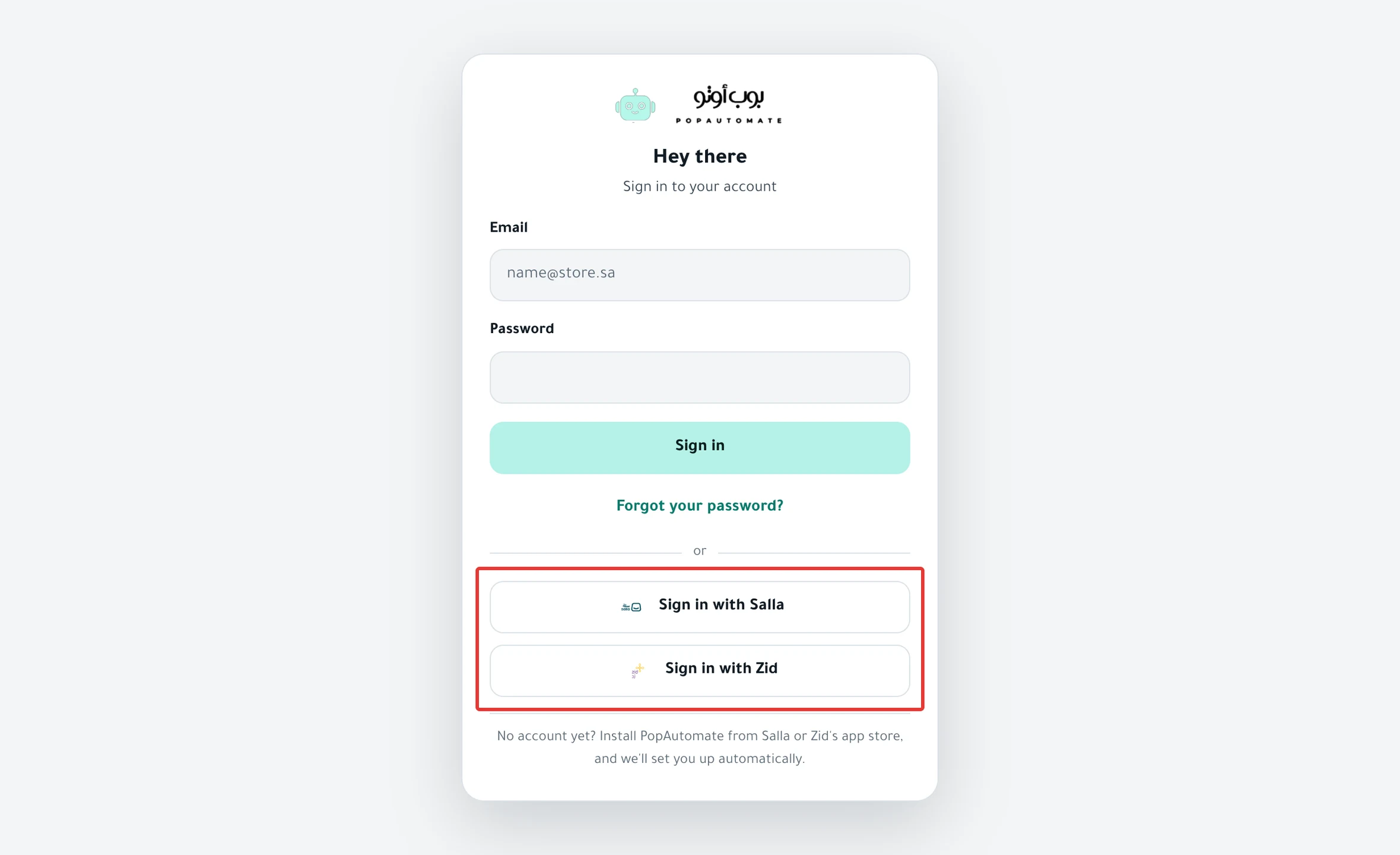
If you have already chosen a password, enter your Email and Password and click Sign in.
Result
Home opens, or the page you were trying to open before you signed in. You stay signed in on this device until you sign out.
Rules
-
An account created by installing the app has no password. To choose one, read Forgot your PopAutomate password: choose a new one.
-
After you sign in with email and password, open Settings > Store & timezone and make sure Timezone is your store's time zone. On your phone, tap the account button at the top (the circle with your first initial), then Settings.
Why: signing in with email and password can switch your account time zone to your device's time zone, which moves your schedule times. Details in Change the schedule time zone in PopAutomate.
-
Signing in with the Salla or Zid button does not change your time zone.
-
After 5 sign-in attempts within a minute, you see "Too many attempts. Wait a minute and try again."
-
You cannot create a new account on the sign-in page. The page says: "No account yet? Install PopAutomate from Salla or Zid's app store, and we'll set you up automatically."
If it did not work
- Do you see "We couldn't sign you in through your store. Try again, or use your email and password."? Read Can't sign in with Salla or Zid in PopAutomate.
- Do you see "Email or password is wrong. Try again or reset your password."? Sign in with the Salla or Zid button, or click Forgot your password? and choose a new password. If the message keeps coming back, read Wrong password: email sign-in does not work in PopAutomate.
Next
Schedule a discount on Salla and Zid
Go back to Get started with PopAutomate on your store.
Did this article answer your question?